I Bought a Childhood Game and macOS Refused to Open It

Came across a game I played and loved as a child. A point and click game by a German indie studio called The Inner World.
Saw it on Steam, immediately bought it, and hit play expecting it to load.
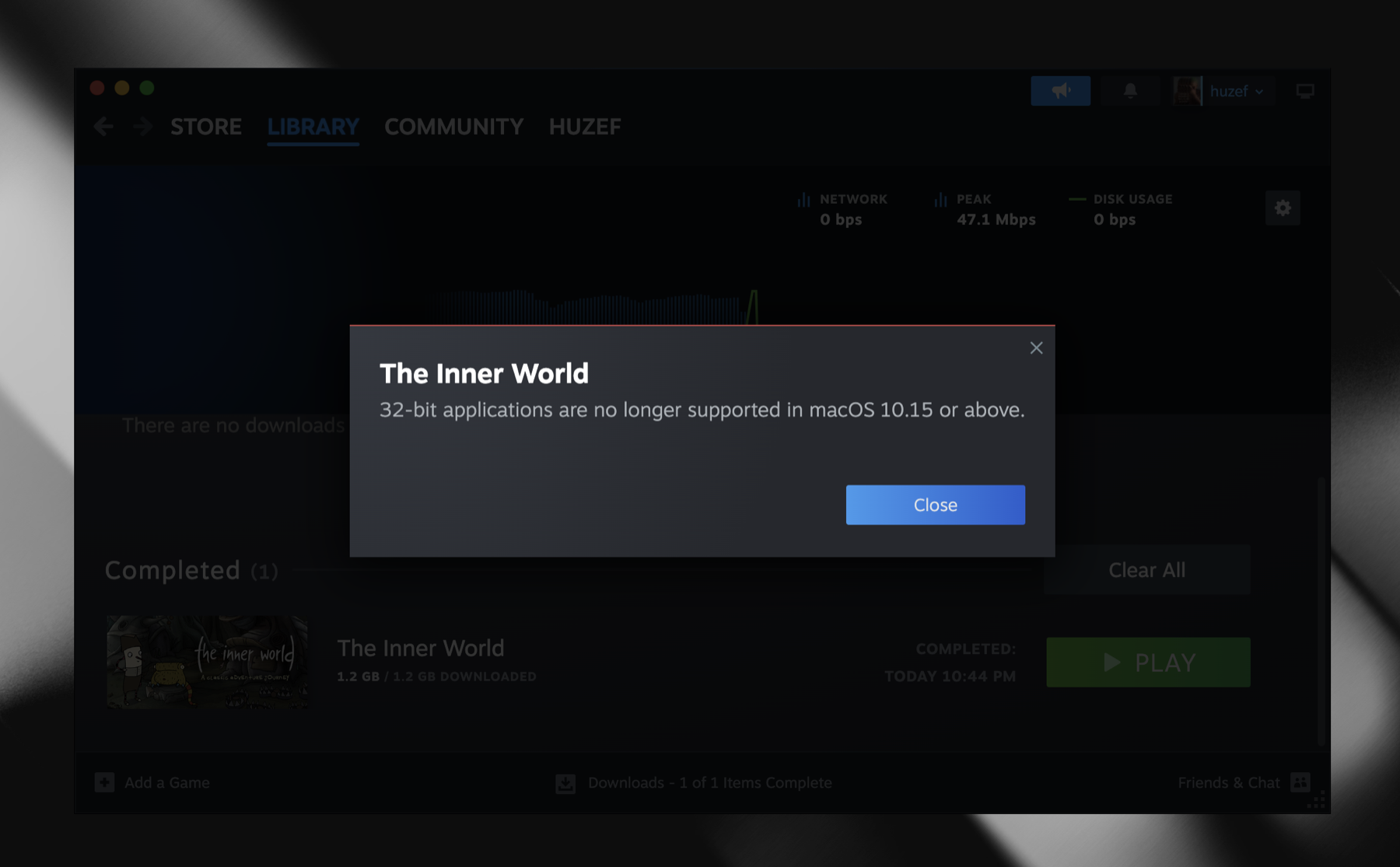
The game is old and was never updated for 64-bit macOS. It's a 32-bit binary, and Apple dropped support for those a long time ago in macOS Catalina.
I'm also on Apple Silicon, so it's wrong twice over. Wrong bit count, wrong chip. Rosetta could handle the chip part but it doesn't do 32-bit either.
I almost gave up here. Tiny studio, thirteen year old game, nobody is rebuilding it.
But I decided to check the binary out of curiosity, and things got way more interesting.
Opening it up
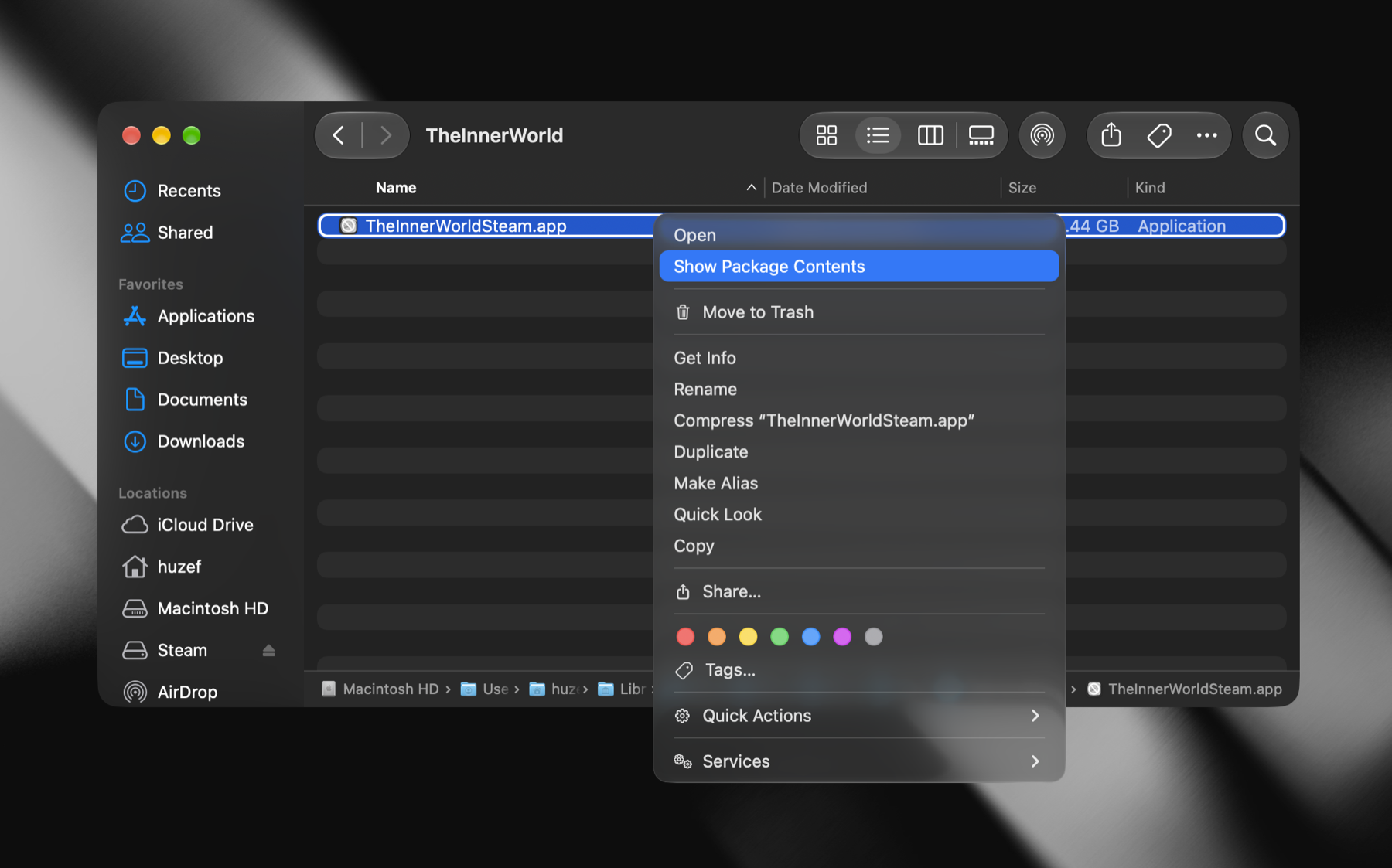
A Mac app is really just a folder. Right click, Show Package Contents.
I expected Unity, or some custom C++ thing. One thing immediately struck me instead.
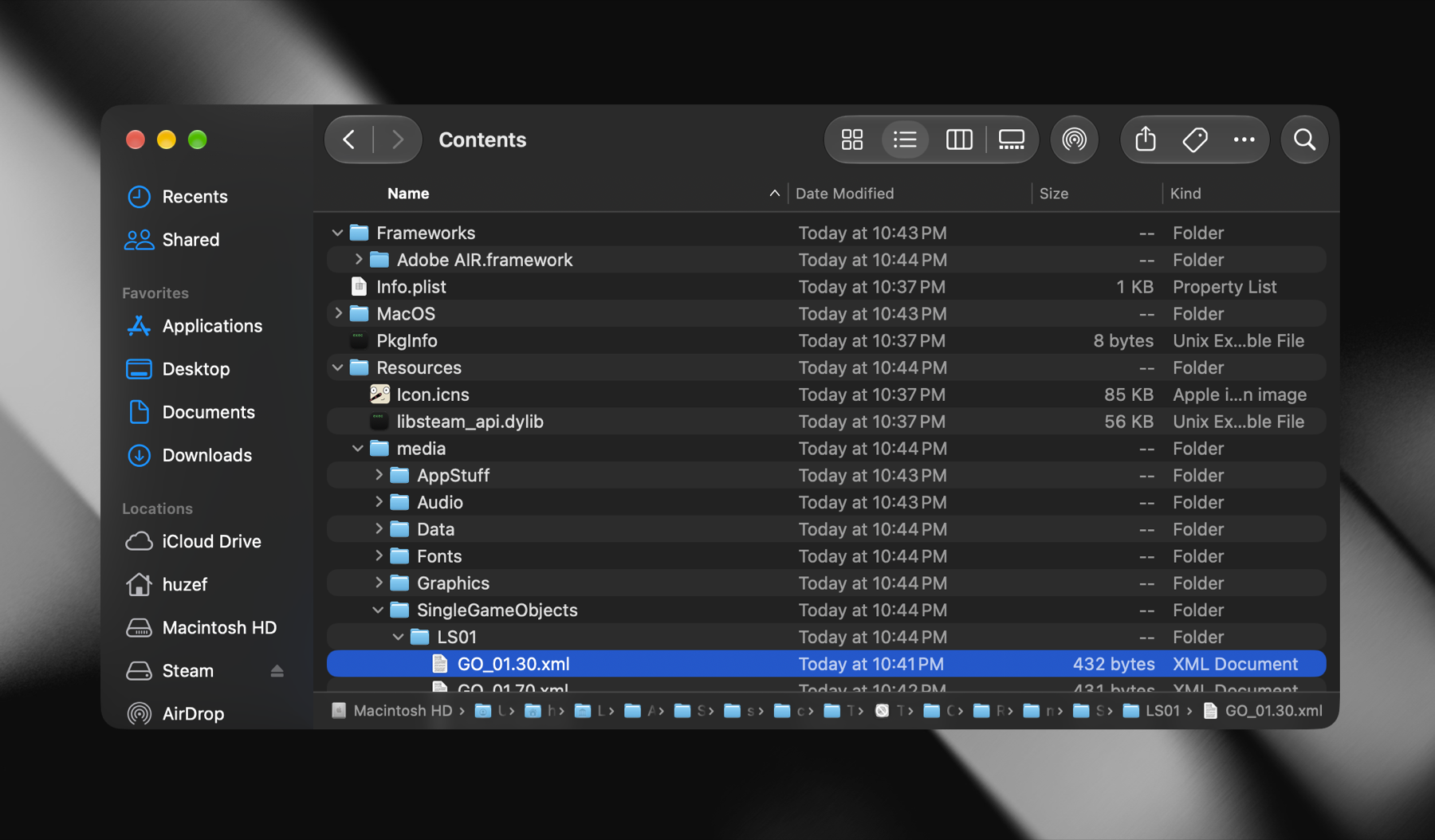
Adobe AIR.framework. Next to it a .swf file, and a media folder stuffed with plain XML.
Upon googling, it turns out Adobe AIR is simply a runtime for running Flash as a desktop app.
So this is a Flash game.
Which changes everything
If it's Flash, the game isn't really in that binary.
The binary is a player. That's it. The actual game, art, puzzles, dialogue, all of it, lives in the .swf. And a .swf doesn't know what a CPU is. It's just data.
So the broken part is the player. Only the player.
That's when it occurred to me. If you could just swap the runtime, it should work.
Adobe handed AIR off to HARMAN years ago and they still ship it. Runs native on Apple Silicon.
The part that fought back
There's a second old binary in there.
The game talks to Steam for achievements. Flash can't do that alone, so AIR lets you bolt on native code through a .ane file. This one wraps the Steam API.
lipo -archs "$EXT/META-INF/ANE/MacOS-x86/FRESteamWorks.framework/Versions/A/FRESteamWorks"
# i386
Same problem, one level down. Compiled in 2013, 32-bit, in a folder literally named MacOS-x86.
Leave it in and the app launches, loads AIR, then sits there forever. No window, no crash, nothing. It's waiting on a Steam handshake that will never come.
Someone already built a fixed one: RossD20Studios/FRESteamWorks. Universal binary, arm64 included.
Two swaps then. Runtime and Steam shim. Everything else untouched.
Doing it
Get the SDK. You want 33.1.1, not the newest one. That version exists specifically to drag old AIR apps into 64-bit. Free account required.
Then this, which cost me an hour:
SDK="$HOME/Downloads/AIRSDK_MacOS"
xattr -dr com.apple.quarantine "$SDK"
Your browser quarantines everything it downloads. The SDK runs its own helper binaries during packaging and macOS kills them on sight. You get error 137 and nothing else. 137 means killed.
Install Java. The packaging tool is a Java program and the SDK doesn't ship one.
brew install openjdk
export PATH="/opt/homebrew/opt/openjdk/bin:$PATH"
Grab the Steam extension.
mkdir -p ~/tiw-port/extdir && cd ~/tiw-port
gh release download ANE_03_17_2025 -R RossD20Studios/FRESteamWorks -p "FRESteamWorks.ane"
cp FRESteamWorks.ane extdir/
Don't unzip and rezip it. An .ane is a zip with strict internal ordering and the packager rejects homemade ones with a Java stack trace that explains nothing.
Pull the game out.
GAME="$HOME/Library/Application Support/Steam/steamapps/common/TheInnerWorld/TheInnerWorldSteam.app"
WORK=~/tiw-port/work
mkdir -p "$WORK"
cp -R "$GAME/Contents/Resources/". "$WORK/"

rm -rf "$WORK/META-INF/signatures.xml" "$WORK/META-INF/AIR/hash"
rm -f "$WORK/libsteam_api.dylib" "$WORK/steam_api.dll" "$WORK/mimetype"
rm -rf "$WORK/META-INF/AIR/extensions"
Fix the descriptor. There's a config file in there saying which AIR version it wants. It says 3.8. Make it 33.1.
cp "$WORK/META-INF/AIR/application.xml" "$WORK/application.xml"
sed -i '' 's|ns.adobe.com/air/application/3\.8|ns.adobe.com/air/application/33.1|' "$WORK/application.xml"
Make a certificate. It won't package without one.
"$SDK/bin/adt" -certificate -cn "SelfSigned" 2048-RSA ~/tiw-port/selfsigned.p12 password123Repackage.
cd "$WORK"
"$SDK/bin/adt" -package \
  -storetype pkcs12 \
  -keystore ~/tiw-port/selfsigned.p12 \
  -storepass password123 \
  -tsa none \
  -target bundle \
  ~/tiw-port/out/"The Inner World.app" \
  application.xml \
  -extdir ~/tiw-port/extdir \
  TheInnerWorldSteam.swf media steam_appid.txt
-target bundle is the one that matters. It builds an app carrying its own AIR inside, which is what the original did.
Two paths will make it refuse to run: META-INF and Icon.icns. It builds both itself. Don't pass them.
Give the extension a Steam library. The prebuilt one ships without it. Your Steam client already has a universal copy.
APP=~/tiw-port/out/"The Inner World.app"
STEAMLIB="$HOME/Library/Application Support/Steam/Steam.AppBundle/Steam/Contents/MacOS/Frameworks/Steam Helper.app/Contents/MacOS/libsteam_api.dylib"
FW=$(find "$APP" -type d -name "FRESteamWorks.framework" | head -1)

cp "$STEAMLIB" "$FW/Versions/A/Resources/libsteam_api.dylib"
echo 251430 > "$FW/Versions/A/Resources/steam_appid.txt"
251430 is this game's Steam ID. Yours is in steamapps/appmanifest_*.acf.
Sign it. Apple Silicon won't run unsigned arm64 at all. Ad-hoc is fine.
xattr -cr "$APP"
codesign --force --deep --sign - "$APP"
Check.
lipo -archs "$APP/Contents/MacOS/TheInnerWorld"
lipo -archs "$APP/Contents/Frameworks/Adobe AIR.framework/Versions/1.0/Adobe AIR"
lipo -archs "$FW/Versions/A/FRESteamWorks"
# x86_64 arm64
# x86_64 arm64
# x86_64 arm64
Right click, Open. It's self-signed so the first launch needs that.
It ran
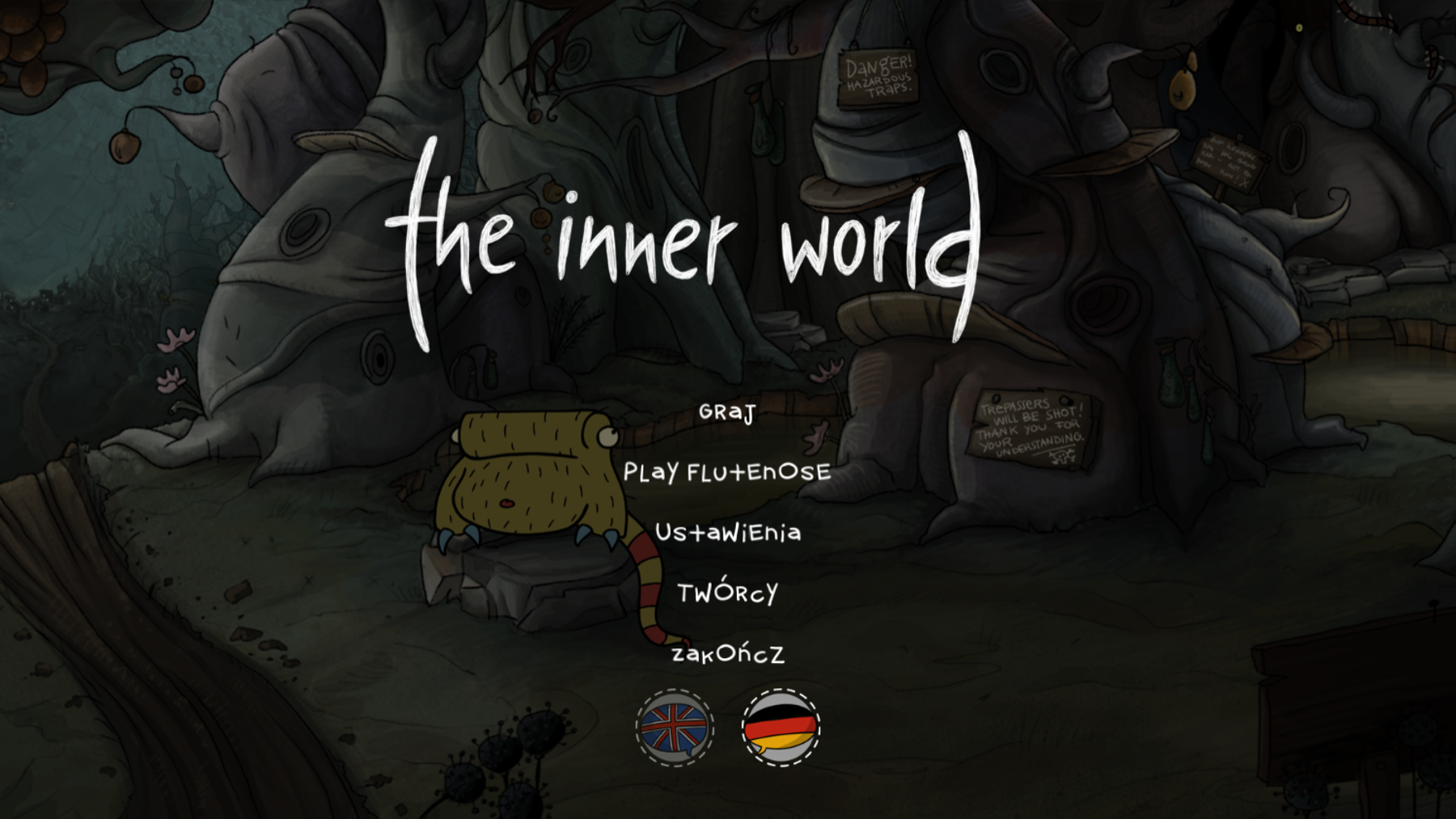
Title screen. Music. Robert.
Nothing got recompiled because there was nothing to recompile. Those .swf files are the exact same bytes that shipped in 2013. I only replaced the two pieces that ever cared about a CPU.
The game was fine the whole time. It just needed something modern to read it.
See all posts